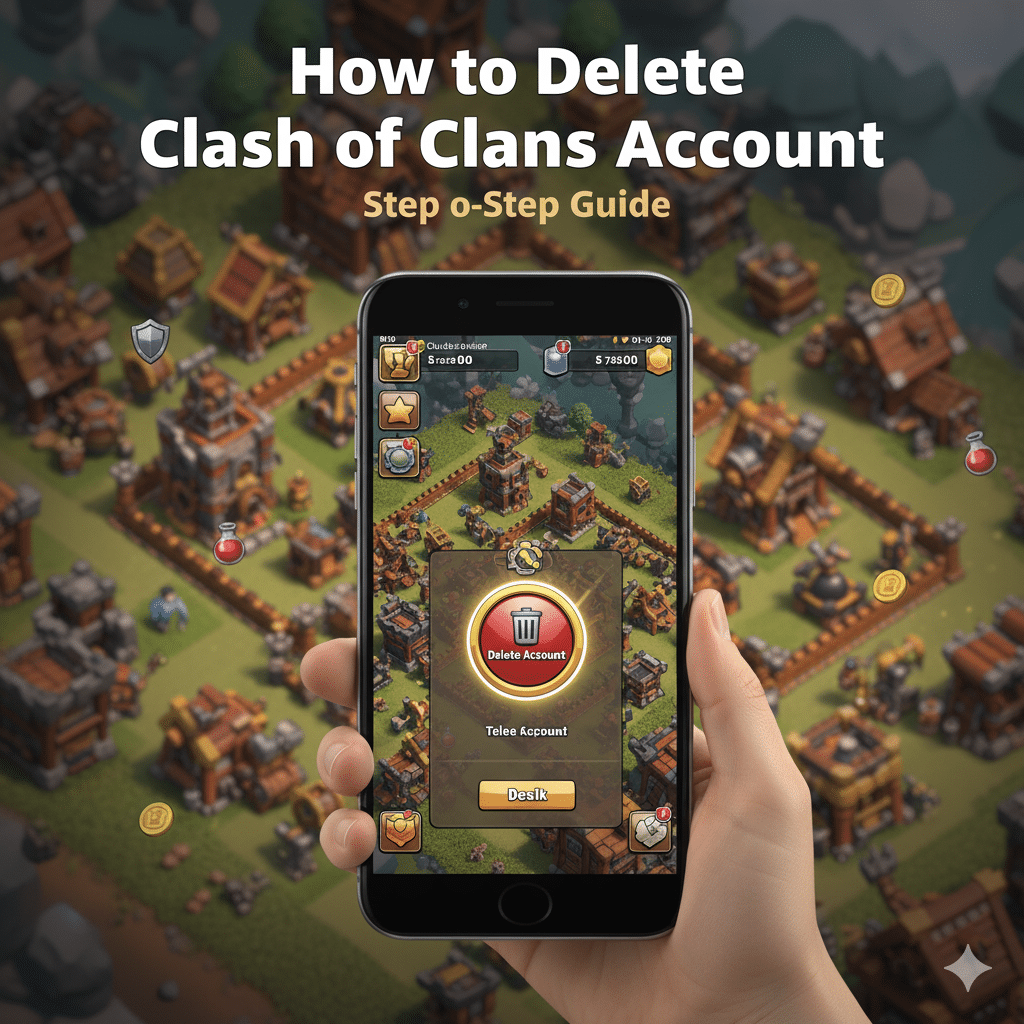
How to Delete Clash of Clans Account: Step-by-Step Guide
If you’re wondering how to delete Clash of Clans account, you’re in the right place. While Clash of Clans is a fun, strategy-packed game, many users eventually decide they want to walk away — and deleting your account is a bit more involved than simply uninstalling the app. In this guide we’ll walk you through exactly how to delete Clash of Clans account permanently (and safely) so you know exactly what you’re doing.
Why You Might Want to Delete Your Clash of Clans Account
Before diving into the step by step guide on how to delete Clash of Clans account, it’s important to understand what you’re committing to. Deleting your account means losing all your progress — your village, resources, clan memberships, and more. According to the official support site, you can request the deletion of all the information they hold about your game account.
Some common reasons:
- You no longer have time to play and want a complete clean break.
- You want to start over fresh with a new account (though note that the game doesn’t allow a simple “reset” of the same village on many devices).
- You’re concerned about privacy or data retention.
If you’re sure let’s proceed.
Important Things To Know Before You Delete
To make sure the process goes smoothly when you delete your Clash of Clans account, keep these in mind:
- Simply uninstalling the game does not delete your account or village from the server. Your data remains linked.
- Deletion is often irreversible — once the process completes, your account and all progress are gone.
- If your account is connected to services like Google Play, Game Center or the Supercell ID, unlinking/handling those is best practice.
- The deletion request may take some time to process — don’t expect immediate disappearance.
Step-by-Step: How to Delete Clash of Clans Account
Here’s how you can delete Clash of Clans account in a properly optimised way:
1. Open the Game and Go to Settings
Launch the Clash of Clans app on your device. Tap the gear icon (Settings) inside the game.
2. Navigate to Help & Support
In Settings, find the Help & Support area. On many versions, this is where you’ll find options for account assistance.
3. Request Account Deletion
Inside Help & Support:
- Look for an option that says “Contact Us” or “Send a Message”.
- In your message, clearly state that you wish to permanently delete your account.
- Include your Player ID, in-game name, and any other identifying details. As described by several guides, this is the method used to initiate the process.
4. Await Confirmation & Unlink External Services
Once you’ve submitted the deletion request:
- Wait for a response from Supercell confirming the process.
- While you wait, check that your account is unlinked from Google Play, Game Center or Supercell ID as appropriate. Many users report that residual links can cause issues.
5. Finalise Deletion / Uninstall
After confirmation of deletion, uninstall the game from your device to remove local copies. The server-side account should then be permanently deleted.
FAQ Section
Q: Can I delete my Clash of Clans account permanently?
Yes — you can request deletion of your data and account from Supercell.
Q: What happens after I delete my Clash of Clans account?
Your village, progress and all associated data are removed. You’ll no longer be able to log in or recover that account.
Q: Is deleting my account the same as uninstalling the game?
No. Uninstalling removes the app from your device, but the account and server-side data remain. You must submit a deletion request.
Final Thoughts
Deleting your Clash of Clans account is a big step — especially if you’ve invested time and effort into building your village. But if you’re certain it’s the right decision, following the above step by step guide to delete Clash of Clans account will help you do it cleanly and safely.