How to Play Clash of Clans on PC or Laptop – Step-by-Step Guide (2025)
Clash of Clans isn’t just a mobile game — it’s a global strategy sensation that millions enjoy every day. But did you know you can also play it on your PC or laptop for a smoother and more immersive experience? Whether you’re upgrading your base, managing multiple accounts, or planning massive clan wars, playing on PC gives you better control, visuals, and convenience. In this guide, we’ll show you exactly how to set it up and start playing Clash of Clans on your computer — step by step
Why Play clash of clans for windows?
- Bigger screen for better base control
- Easier troop deployment using mouse and keyboard
- Smoother gameplay and multitasking
Best Ways to Play Clash of Clans on PC
1. Using BlueStacks Emulator
- Download BlueStacks from the official website.
- Install and open it on your PC.
- Sign in with your Google account.
- Search “Clash of Clans” in the Play Store and install it.
- Start playing — same progress as your mobile account.
2. Using GameLoop (Tencent Emulator)
- Great for low-end PCs.
- Supports customizable key mapping.
- Syncs with your existing Google Play progress.
3. Using LDPlayer Emulator
- Lightweight and optimized for gaming.
- Offers high FPS and multi-instance features.
How to Sync Your Clash of Clans Account from Mobile to PC
- Open Clash of Clans on your phone.
- Go to Settings → Supercell ID → Connect.
- On PC, open the game through your emulator.
- Log in using the same Supercell ID.
- Your base and progress will appear automatically.
Recommended PC Settings for Smooth Gameplay
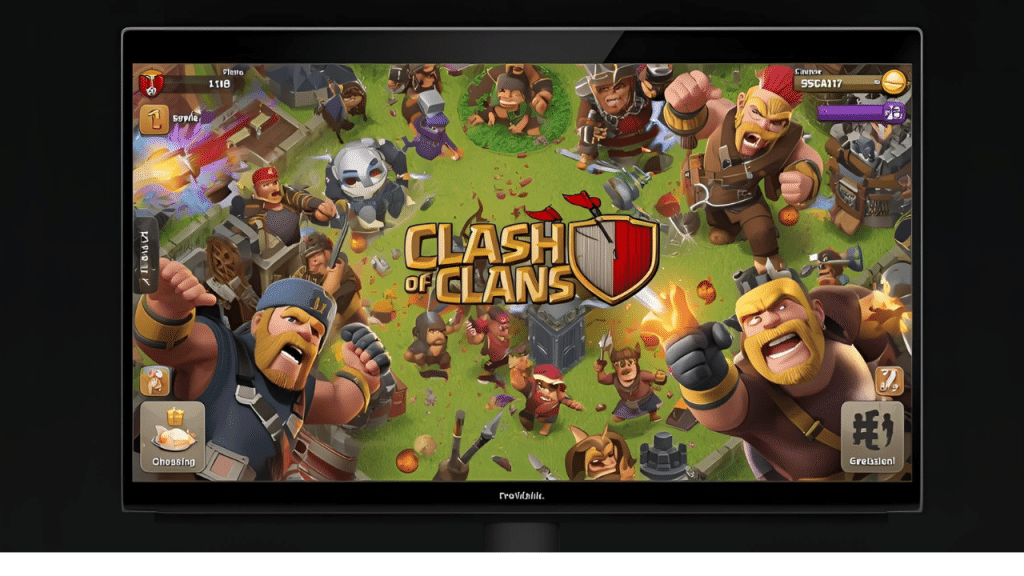
- Enable high performance mode in emulator.
- Allocate at least 2GB RAM and 2 CPU cores.
- Keep graphics set to “Medium” for balance.
Common Issues and Fixes
- Game stuck on loading screen: Clear emulator cache.
- Lagging: Reduce background apps or enable Virtualization (VT) in BIOS.
- Login error: Recheck Supercell ID credentials.
Final Thoughts
Playing clash of clans pc version lets you enjoy strategic attacks, same as Clash of clans for android with smooth troop deployment, and a better overview of your village. Whether you’re farming loot or pushing trophies, it’s easier and more efficient with a keyboard and mouse.